The Perfect Customer Journey
The Vtryon WooCommerce plugin is built to work directly on supported product pages. Customers can upload a photo, pass image validation, and view an AI try-on result without leaving the store experience. The exact position of the try-on block on the product page can now be controlled from plugin settings.
See the Vtryon WordPress Customer Flow in Action
Upload your photo to see this outfit on you.
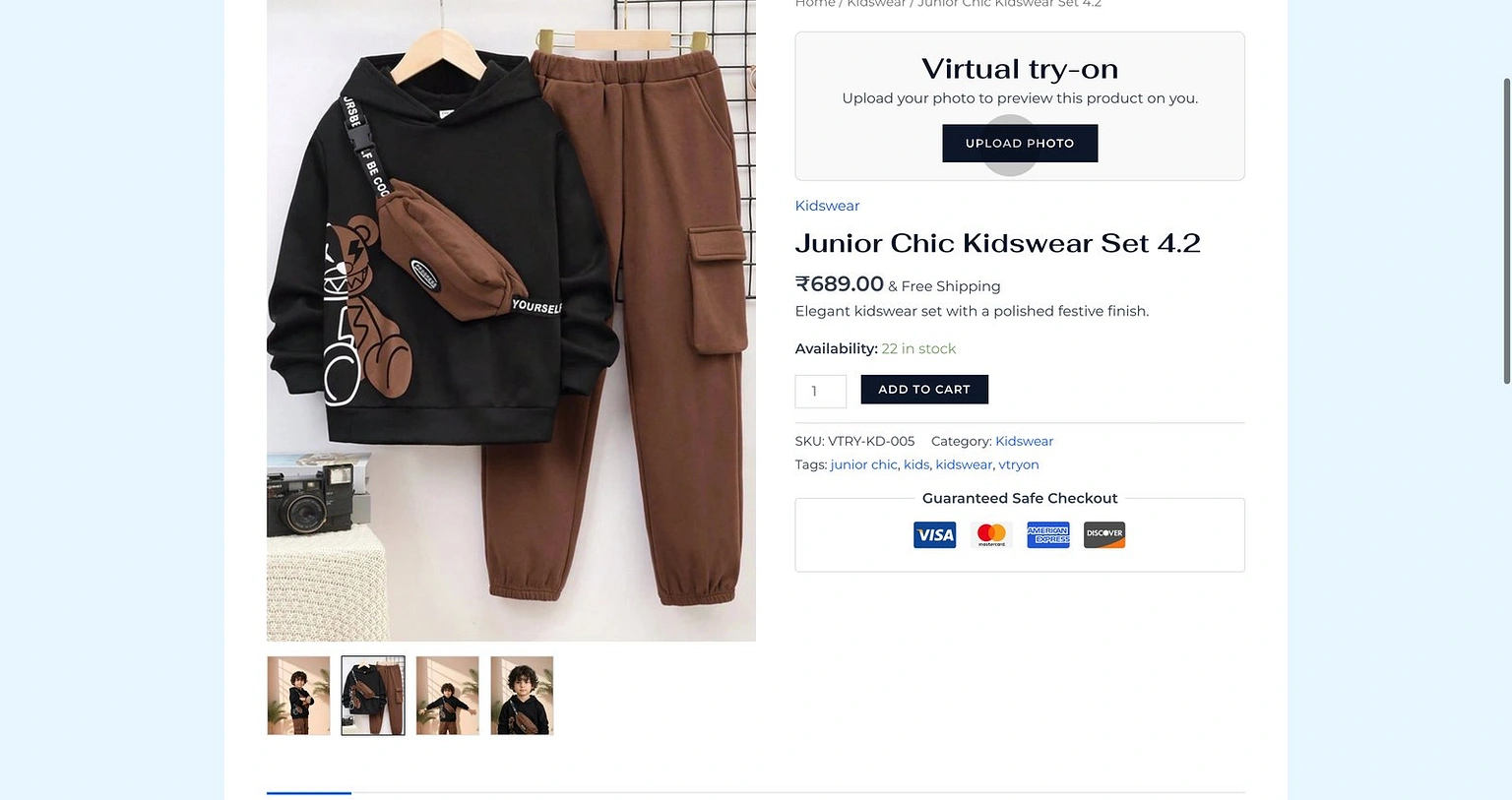
Agree to the photo consent to enable the virtual try-on experience.
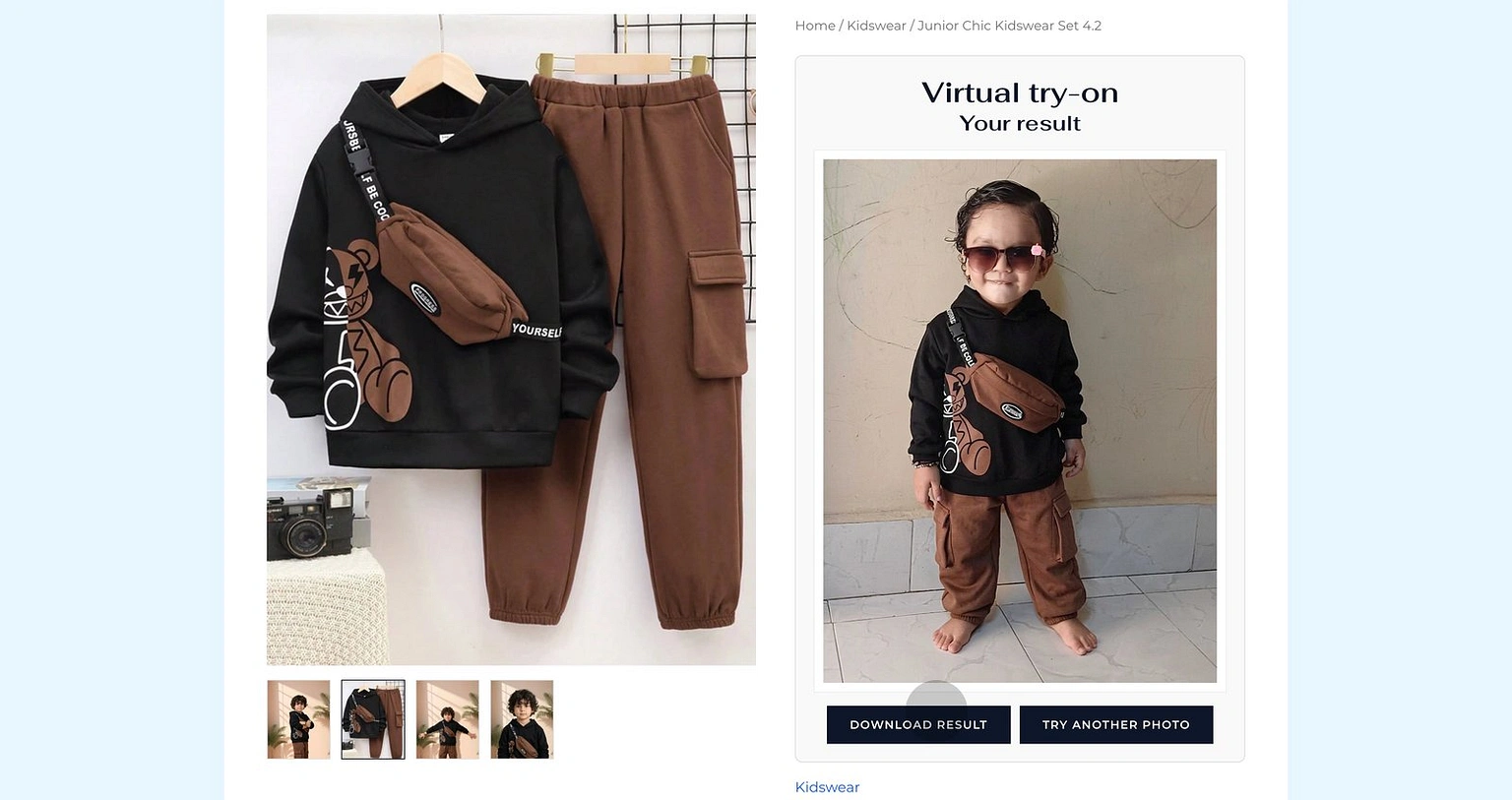
_thumb.webp)
Download Result to instantly save your personalized try-on image!
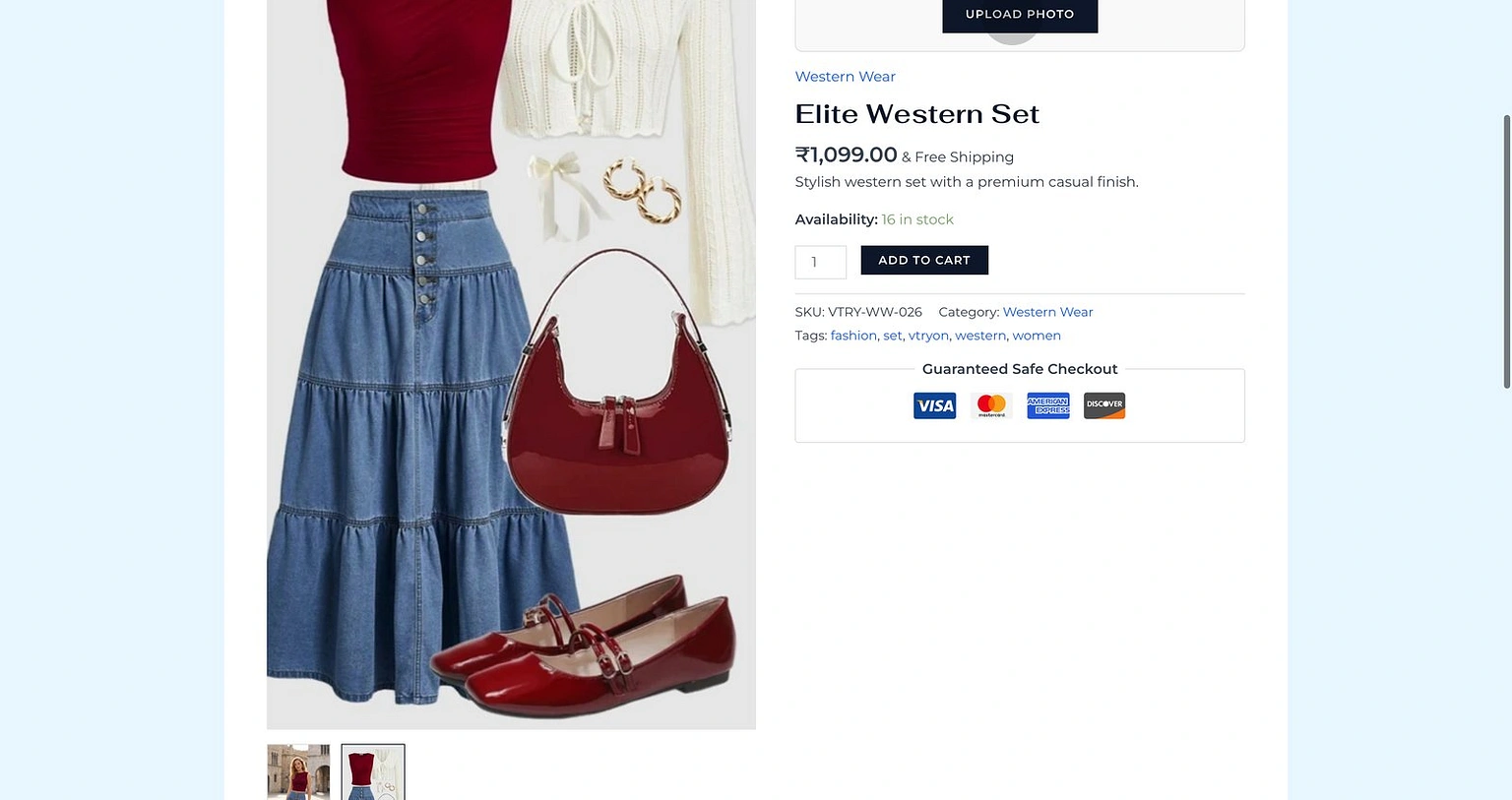
Explore the Western Wear collection for more trendy outfits.
Where the Try-On Block Appears
The plugin now allows merchants to choose where the try-on area is placed on the single product page. This helps the storefront flow fit different WooCommerce themes and layouts.
Default placement
Inside summary - after add to cart
Optional placements
- •Before product summary
- •Inside summary - after title
- •Inside summary - before add to cart
- •Inside summary - after add to cart (default)
- •Inside summary - after product meta
- •Below the product summary
- •Bottom of the product page
Smart Pose Feedback
We don't just let people upload any photo. To ensure the best try-on quality for your garments, our UI provides real-time feedback.
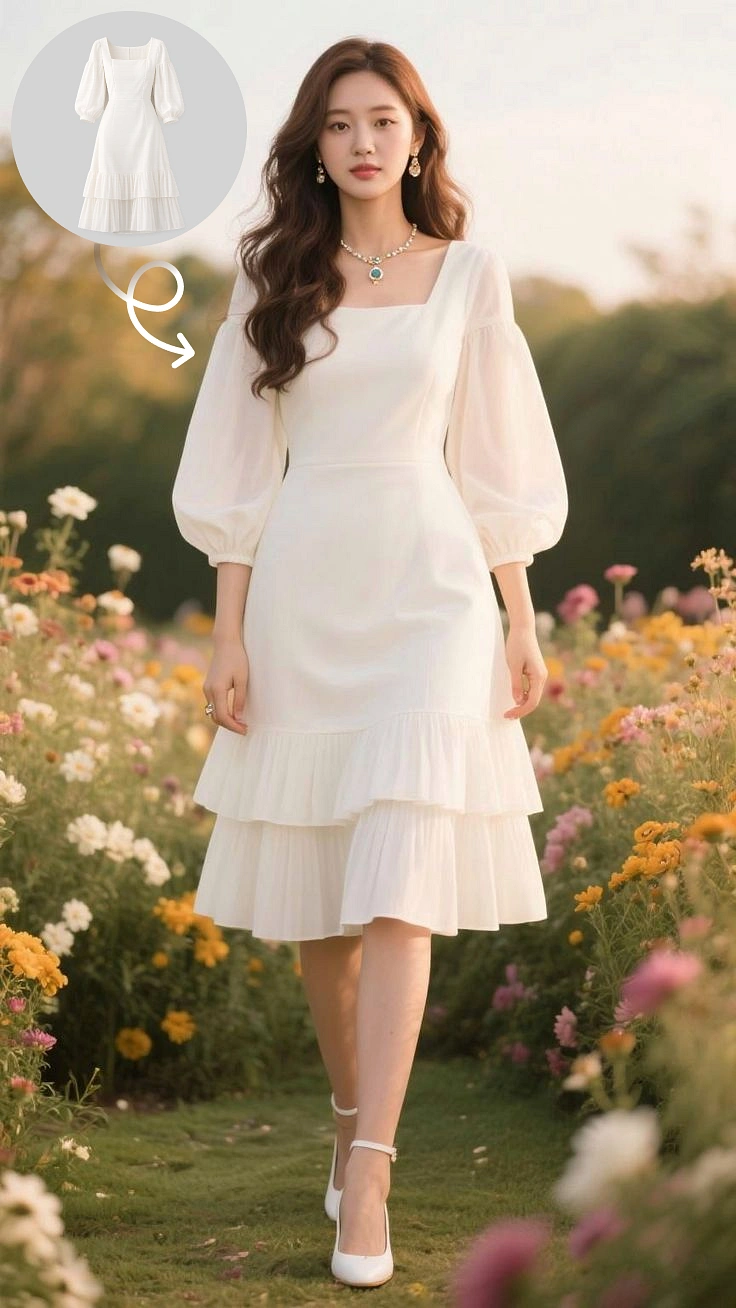
Zero-Wait Magic
While the AI works, we keep the customer engaged with beautiful loading states and garment details.
"Usually takes less time than clicking 'Add to Cart' and going to checkout."
Generating Try-On
Layering fabric onto model...
Built to Convert
300%
Engagement
45%
Return Rate ↓
2.5x
Sales Lift
Ready to provide this experience to your customers?